First Prototype
game design — today we build
$ make game
Today we build it
Pick your tool
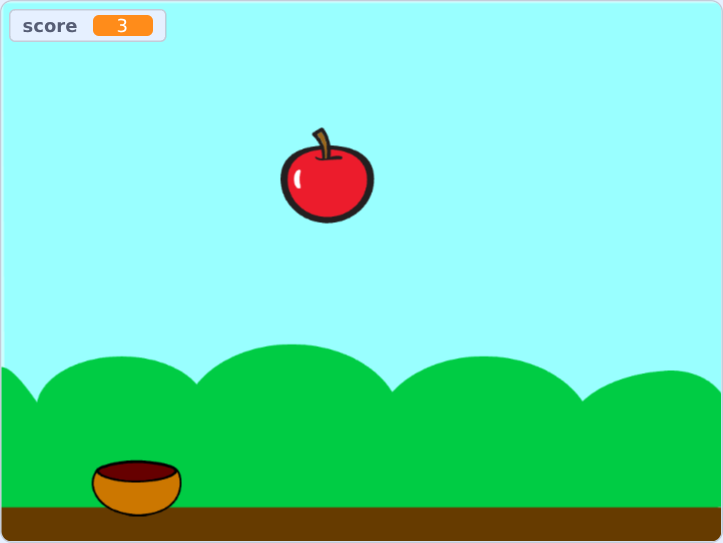
Scratch
blocks, no typing
tutorial
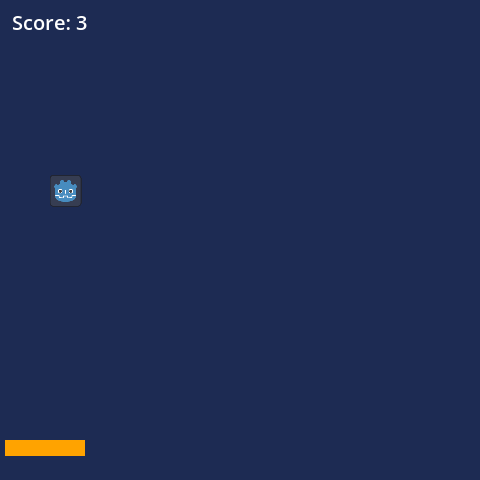
Godot
a real engine, GDScript
tutorial
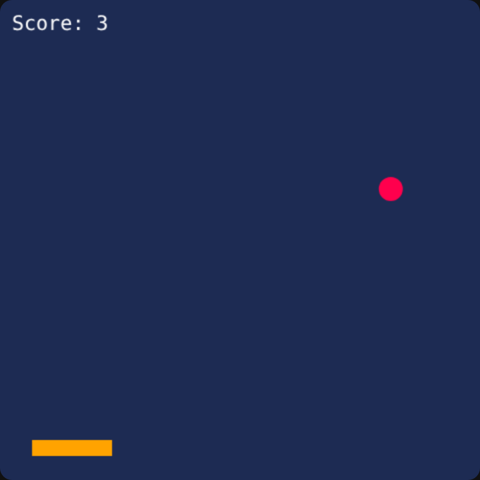
Web
html, css, javascript
tutorial
find all tutorials at tutorials.hackenshaw.com
Why Scratch?
| blocks | no syntax errors — all your attention goes to the logic |
| instant | click the green flag, see it run |
| made for games | sprites, sounds, collisions built in |
| free | runs in the browser, nothing to install |
Almost all game developers started with Scratch.
Why Godot?
| a real engine | used for released, commercial games |
| free, open source | no licence, no fees, no account |
| small | one download, no installer, runs on any laptop |
| GDScript | reads like Python, made for games |
| everywhere | export to Windows, Mac, Linux, web, phones |
The engine takes care of the boring parts.
Why the web?
| everywhere | every phone and laptop has a browser |
| nothing hidden | no engine — every line is yours to read |
| two tools | a text editor and a browser, that's all |
| share it | send a link, it just runs |
You have full control over everything.
Scratch
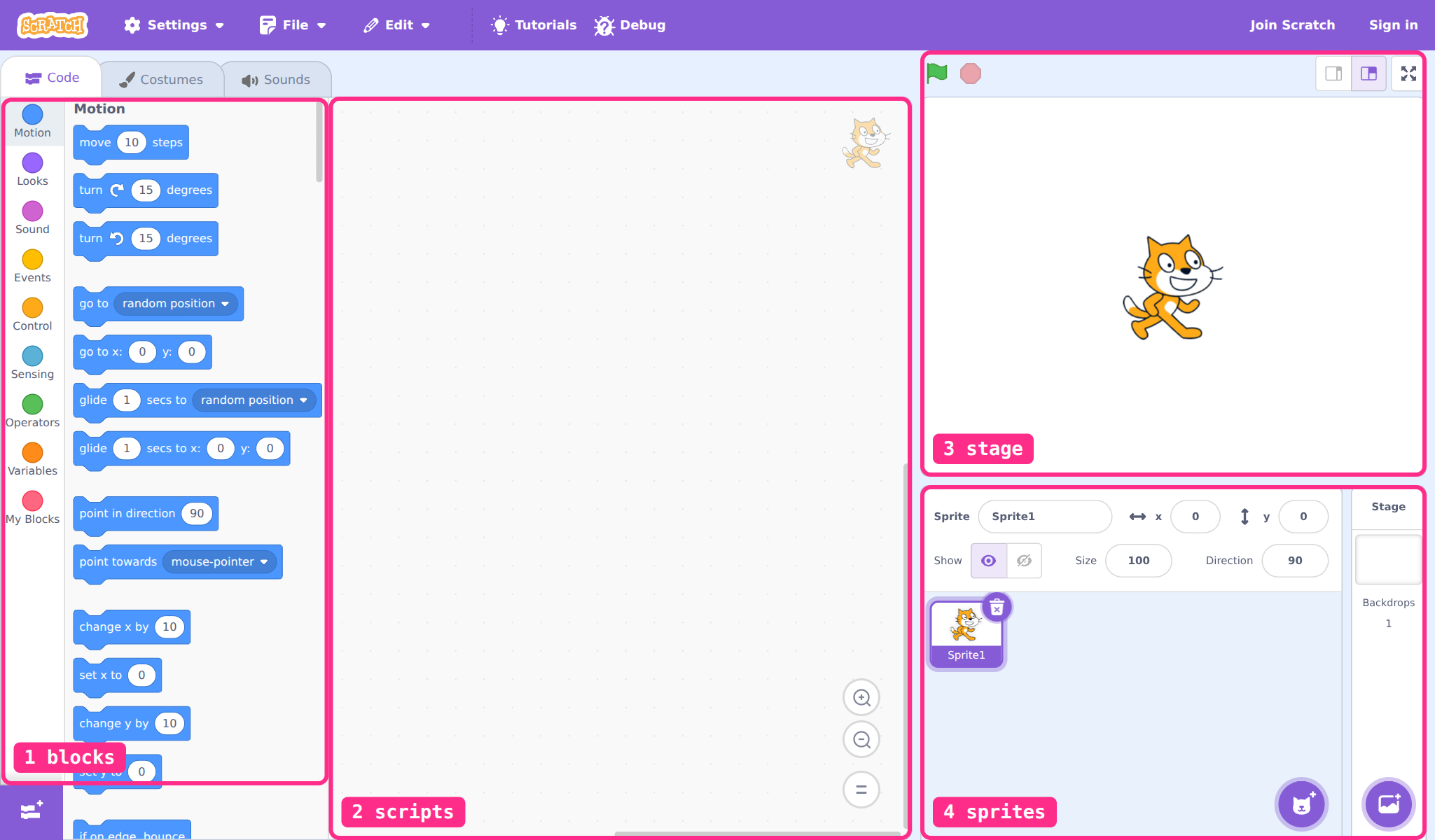
Godot
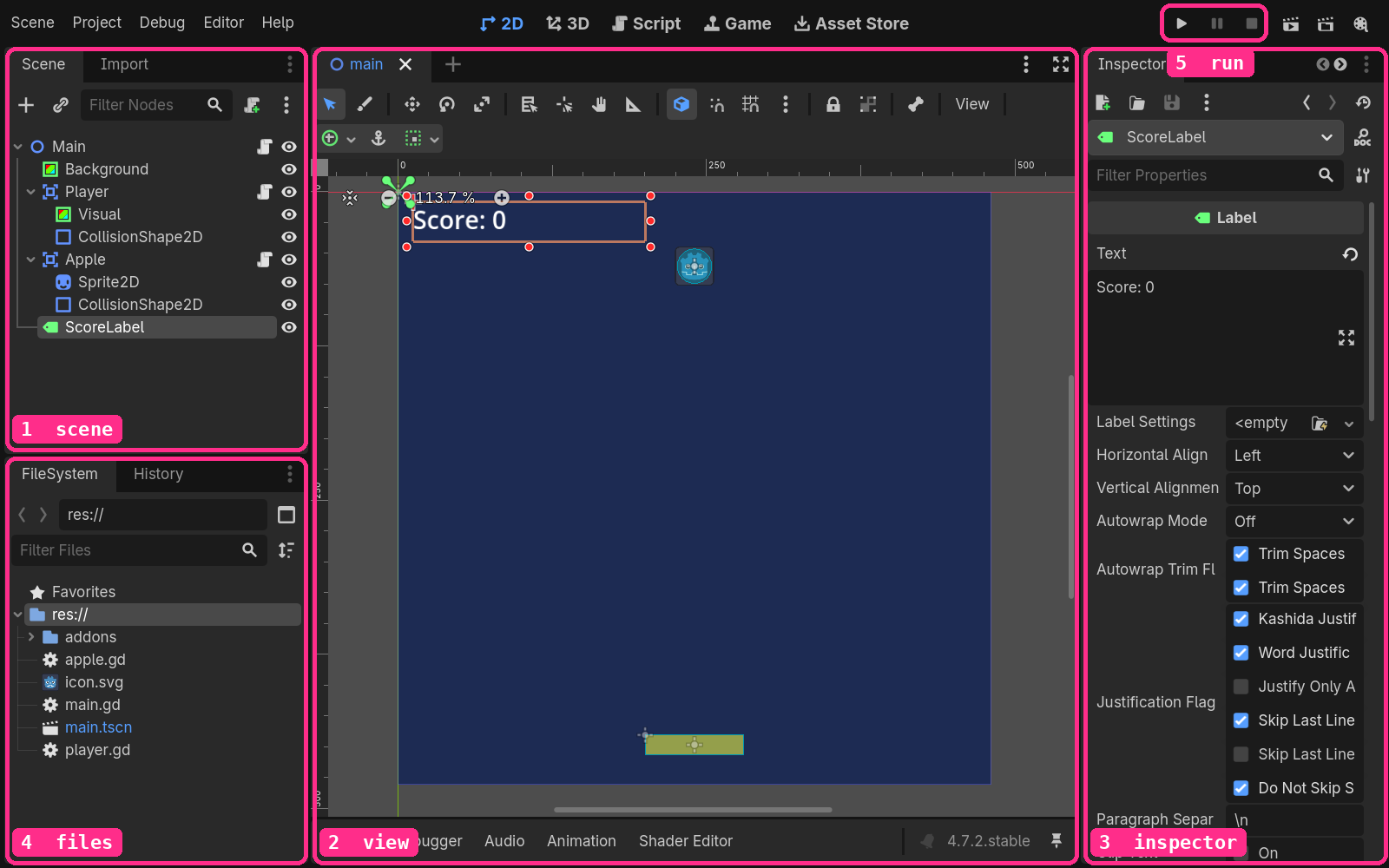
VS Code
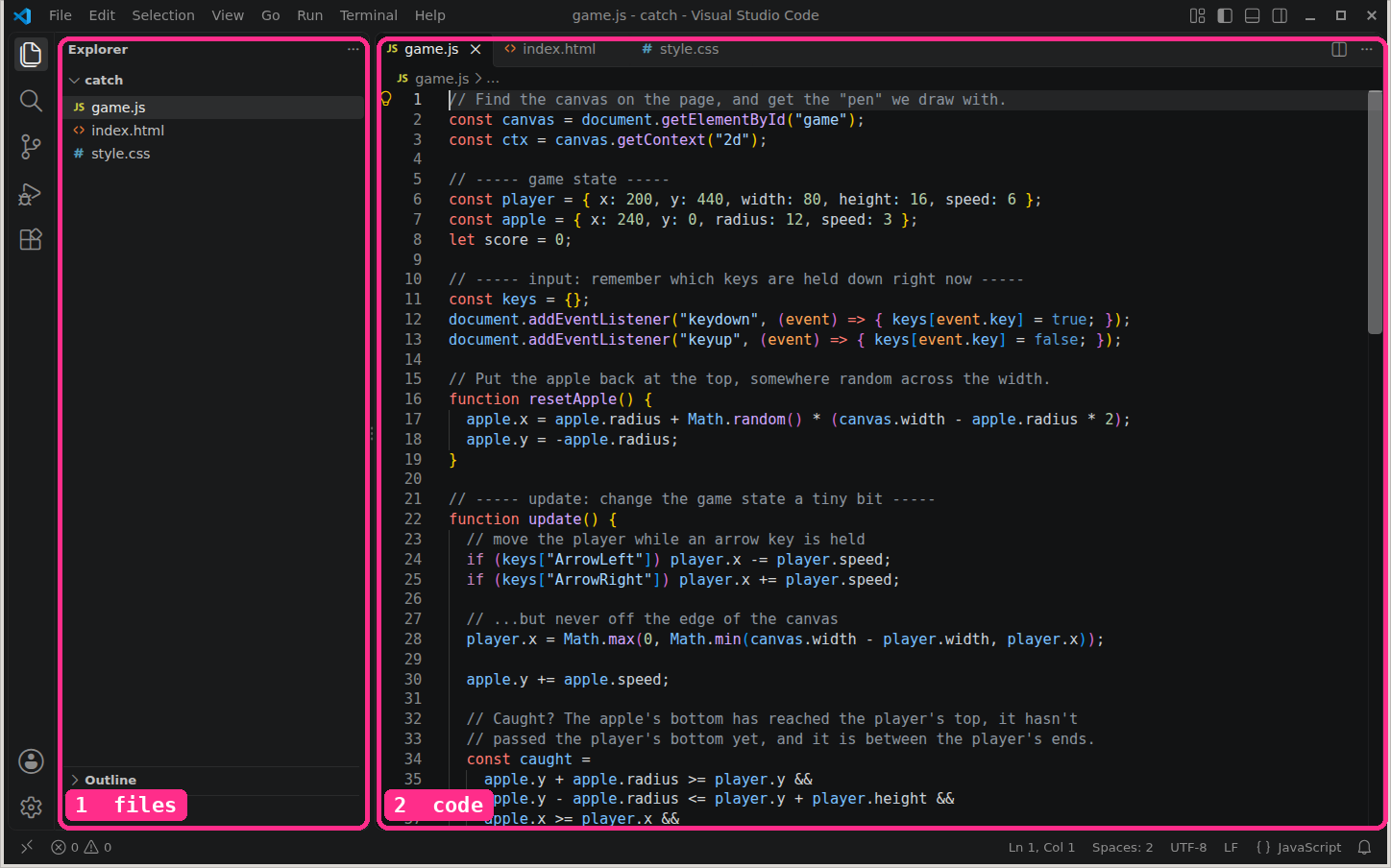
plus a browser: save, reload, play
Same concepts, different implementation
| Scratch | Godot | Web | |
|---|---|---|---|
| loop | forever | func _process(delta) | requestAnimationFrame(loop) |
| condition | if <touching Bowl?> | area_entered | if (caught) |
| variable | score | var score := 0 | let score = 0 |
The loop, one line at a time
| bowl.x | apple.y | ||
| score | loops |
Let's build it
- Three files
- Some style
- Draw the player
- The game loop
- Again, and again
- Take control
- Catch it
Every step, written out: tutorials.hackenshaw.com/html-css-js
Three files
<!DOCTYPE html>
<html lang="en">
<head>
  <meta charset="UTF-8">
  <title>Catch!</title>
  <link rel="stylesheet" href="style.css">
</head>
<body>
  <h1>Catch!</h1>
  <canvas id="game" width="480" height="480"></canvas>
  <script src="game.js"></script>
</body>
</html>
step 1: a heading, and an invisible canvas
Some style
body {
  margin: 0;
  min-height: 100vh;
  display: flex;
  flex-direction: column;
  align-items: center;
  justify-content: center;
  background: #111;
  color: white;
  font-family: monospace;
}

canvas {
  background: #1d2b53;
  border-radius: 12px;
}
step 2: a playing field
Draw the player
// Find the canvas on the page, and get the "pen" we draw with.
const canvas = document.getElementById("game");
const ctx = canvas.getContext("2d");

// The player: where it is and how big it is.
const player = { x: 200, y: 440, width: 80, height: 16 };

// Draw the player once, as an orange rectangle.
ctx.fillStyle = "#ffa300";
ctx.fillRect(player.x, player.y, player.width, player.height);
step 3: drawn once, never moves
The game loop
const apple = { x: 240, y: 0, radius: 12, speed: 3 };

function update() {
  apple.y += apple.speed;
}

function draw() {
  ctx.clearRect(0, 0, canvas.width, canvas.height);
  // ...the player and the apple, as before
}

function loop() {
  update();
  draw();
  requestAnimationFrame(loop);
}

loop();
step 4: it falls… and keeps falling
Clear the canvas
function draw() {
  ctx.clearRect(0, 0, canvas.width, canvas.height);
  // ...then paint everything
}
function draw() {
// no clearRect
// ...then paint everything
}Again, and again
function resetApple() {
  apple.x = apple.radius + Math.random() * (canvas.width - apple.radius * 2);
  apple.y = -apple.radius;
}

// in update():
if (apple.y - apple.radius > canvas.height) {
  resetApple();
}
step 5: a new apple each time
Take control
const keys = {};
document.addEventListener("keydown", (event) => { keys[event.key] = true; });
document.addEventListener("keyup", (event) => { keys[event.key] = false; });

// in update():
if (keys["ArrowLeft"]) player.x -= player.speed;
if (keys["ArrowRight"]) player.x += player.speed;
player.x = Math.max(0, Math.min(canvas.width - player.width, player.x));
step 6: click it, then ← →
Two ways to move
// on every key event
document.addEventListener("keydown", (event) => {
  if (event.key === "ArrowLeft") player.x -= 10;
});
// every frame, in update()
if (keys["ArrowLeft"]) {
player.x -= player.speed;
}click it, then hold ← or → · or push the stick
Frame-rate independent speed
// per frame: faster computer, faster game
apple.y += 3;
// per second: the same on every computer
// timestamp is in milliseconds; dt = 0.0167 at 60 fps
const dt = (timestamp - last) / 1000;
apple.y += 180 * dt; // 180 pixels per secondCatch it
let score = 0;

// in update():
const caught =
  apple.y + apple.radius >= player.y &&
  apple.y - apple.radius <= player.y + player.height &&
  apple.x >= player.x &&
  apple.x <= player.x + player.width;

if (caught) {
  score += 1;
  resetApple();
}

// in draw():
ctx.fillText("Score: " + score, 12, 30);
step 7: click it, then catch some
Caught? Four tests
apple.y + apple.radius >= player.y &&apple.y - apple.radius <= player.y + player.height &&apple.x >= player.x &&apple.x <= player.x + player.width;drag the apple anywhere · click the stage, then ← → move the paddle
Fixed: count the radius
apple.y + apple.radius >= player.y &&apple.y - apple.radius <= player.y + player.height &&apple.x + apple.radius >= player.x &&apple.x - apple.radius <= player.x + player.width;drag the apple anywhere · click the stage, then ← → move the paddle
Exact: the nearest point
const nx = clamp(apple.x, player.x, player.x + player.width);const ny = clamp(apple.y, player.y, player.y + player.height);const dx = apple.x - nx, dy = apple.y - ny;const caught = dx * dx + dy * dy <= apple.radius ** 2;| box | 4 comparisons | easy to read | wrong at the corners |
| exact | 5 comparisons, 3 multiplies | right everywhere | more to read |
drag the apple onto a corner of the zone · click the stage, then ← → move the paddle
Your turn
Build the catching game. Pick a tool:
- Scratch — never programmed before
- Godot — want a real engine
- Web — interested in web development
$ sleep 1200
20:00
20 min
scratch · godot · web
Debugging
| web | F12 → Console: the error, in red, with a line number |
| godot | the Output panel, same idea — and a warning triangle on the node |
| scratch | is it inside the forever? is it on the right sprite? |
| everywhere | names and capitals must match exactly |
Test one thing at a time.
Works? Next feature. Doesn't? Fix it before you add more.
Prototype first
Prototype
the core mechanic works
is it fun?
quick to change
ugly is fine
Polish
graphics, sound, music
animation, juice
menus, UI
later
Ugly is okay. Boring isn't.
You built a game
- Loops, conditions, variables — in any tool
- Movement, collision, score
- There's always more than one way
homework: two new features · or the same game in a second tool
$ next team workflows & git
playground.hackenshaw.com/join